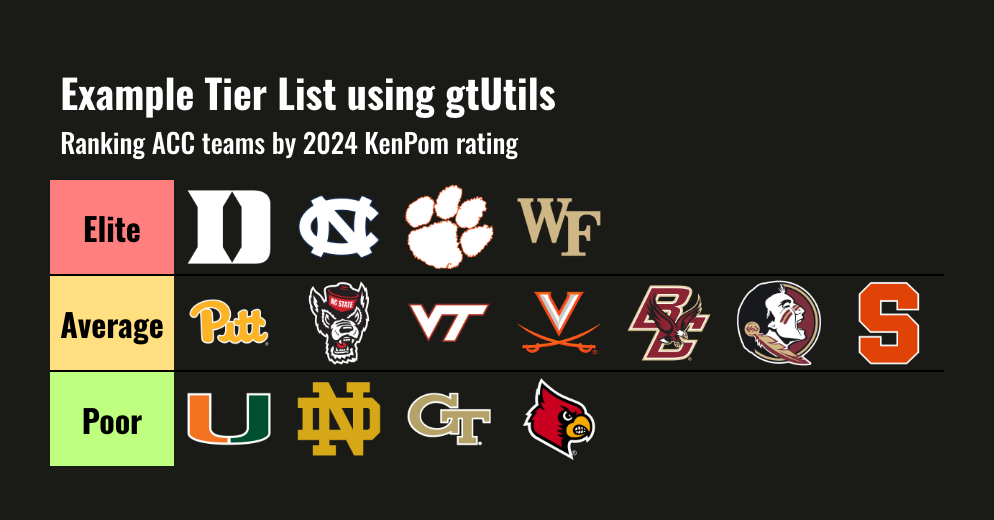
Oswald throughout on a near-black ("dark") or white ("light") ground, with
a bold title and every column center aligned. Rows are separated by thin black
borders and horizontal rules are otherwise hidden.
Usage
gt_theme_tier(
  gt_object,
  style = "dark",
  density = c("comfortable", "compact", "social"),
  ...
)
Arguments
- gt_object
A
gttable object to modify.- style
Character. The color scheme,
"dark"for a near-black ground or"light"for a white ground. Defaults to"dark".- density
Character. The type and padding scale. One of
"comfortable","compact", or"social". See Density. Defaults to"comfortable".- ...
Additional arguments passed to
gt::tab_options, applied last so they override anything the theme sets.
Details
Every body row except the last carries a black bottom border, and the last
row's border is painted in the ground color so it does not double the edge of
the table. Pairs with gt_tiers(), which builds the tier rows themselves.
Density
density scales the theme's type and row padding together. "comfortable"
leaves every size as the theme sets it, "compact" scales both down, and
"social" scales both up, to the scale gt_save_crop() and
gt_social_crop() export at.